


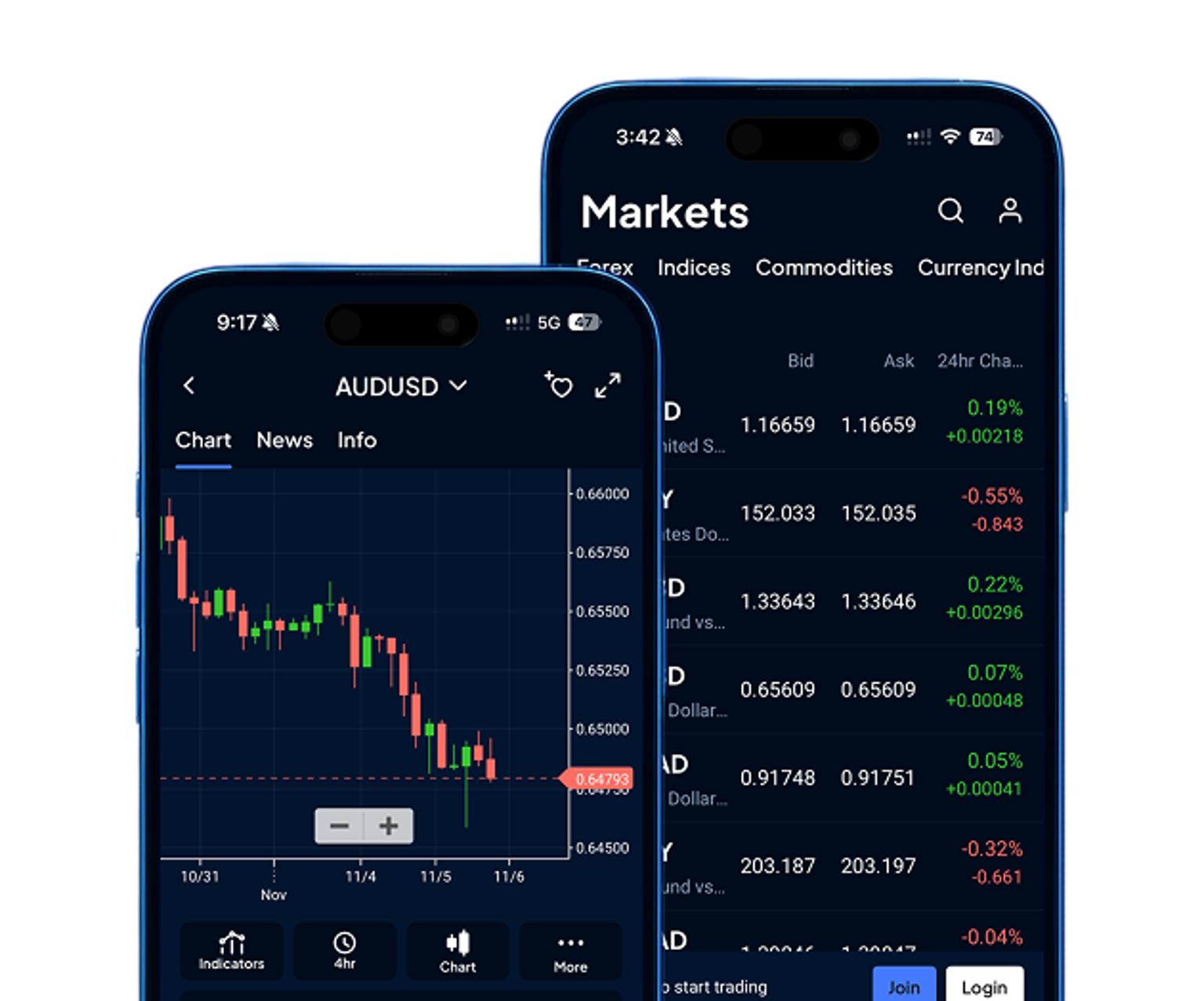
Pepperstone demo
Open a demo account for free. It’s the perfect way to sharpen your skills, test strategies and get a feel for our powerful trading platforms – all using virtual funds.
Why use a Pepperstone demo account?
Whether you're new to trading or want to trial your latest strategy, a demo account lets you experience the markets without the risk. Here’s what you can do in demo mode.1
Trade with virtual funds
Go long or short in a simulated market environment with an unlimited virtual balance.
Practise strategies
Put your tactics to the test with no risk to your bottom line.
Explore our platforms
Get comfortable with our platforms and tools, including charts and indicators.
Access live prices
View the latest rates on FX, indices, shares and commodities.
Refine your skills
Build confidence and develop your skills before going live.
Get round-the-clock² support
We're here when you need us, with dedicated support and comprehensive trading guides.
Trade with virtual funds
Go long or short in a simulated market environment with an unlimited virtual balance.
Practise strategies
Put your tactics to the test with no risk to your bottom line.
Explore our platforms
Get comfortable with our platforms and tools, including charts and indicators.
Access live prices
View the latest rates on FX, indices, shares and commodities.
Refine your skills
Build confidence and develop your skills before going live.
Get round-the-clock² support
We're here when you need us, with dedicated support and comprehensive trading guides.
Explore our powerful platforms
We offer demo accounts on the same powerful platforms available to live Pepperstone traders, so you can find the one that works best for you.
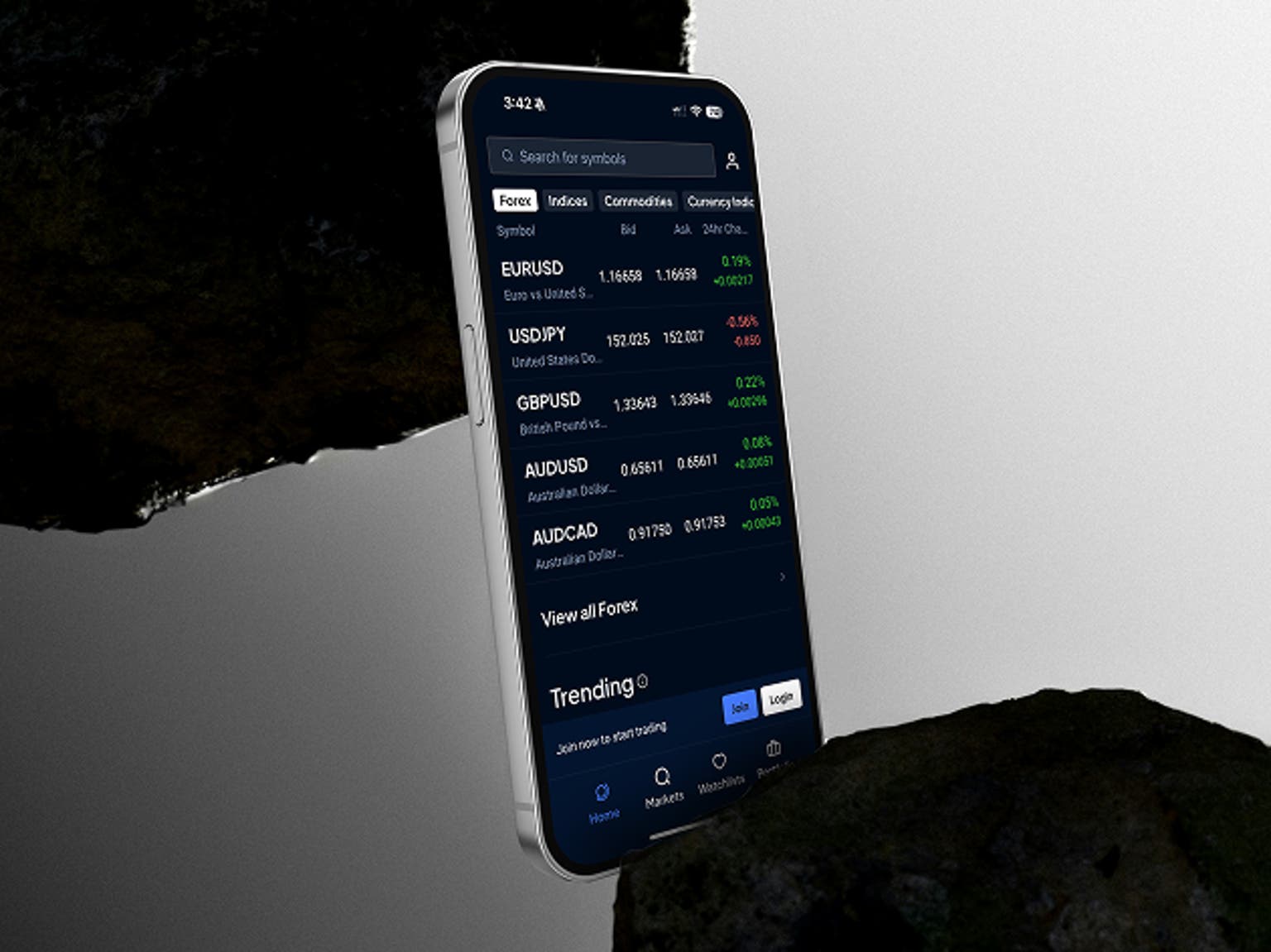
Pepperstone platform
Intuitive design, seamless mobile and desktop experience, essential trading tools.
Trade your way with advanced third-party platforms
MetaTrader 4 (MT4)
Automate your trading with the definitive FX platform. Customise with indicators, EAs and pattern-recognition software.
MetaTrader 5 (MT5)
An even-more powerful version of MetaTrader with more markets, more order types, and more advanced features.
TradingView
Trade directly through show-stopping charts, with hundreds of in-built indicators and strategies.
cTrader
Replicate an institutional liquidity environment and develop trading robots to automate on your behalf.
MetaTrader 4 (MT4)
Automate your trading with the definitive FX platform. Customise with indicators, EAs and pattern-recognition software.
MetaTrader 5 (MT5)
An even-more powerful version of MetaTrader with more markets, more order types, and more advanced features.
TradingView
Trade directly through show-stopping charts, with hundreds of in-built indicators and strategies.
cTrader
Replicate an institutional liquidity environment and develop trading robots to automate on your behalf.
.png?format=pjpg&auto=webp&width=1536&quality=75&branch=main)
Already a Pepperstone client?
A demo account isn’t just for new traders. Log in and head to your account dashboard to open a demo account on any of our five intuitive platforms.
You can use it to:
✔ Trial different platforms and tools
✔ Refine a strategy before you go live
✔ Test out different order types or setups
✔ Explore new markets without committing capital
How to open a demo account
Getting started only takes a few minutes.
Register
Click the ‘Create a demo account’ button to enter our sign-up journey. It’s the same journey you’d start if you wanted to open a live account.
Enter your details
Enter your email address and a password, or select another sign-up method.
Set up your profile
Give us a few basic details (name, date of birth and mobile number) to set up your Pepperstone profile.
Create your demo account
You can now access your account dashboard! Select the ‘demo’ tab and create a practice account instantly.
Demo trading: what you need to know
Trader and TradingView demo accounts expire after 90 days of inactivity. Pepperstone, MT4 and MT5 demo accounts expire after 60 days of inactivity. Activity is defined as trading or logging in.
We can convert your MT4/5 or Pepperstone demo to a non-expiry account if you're fully approved and have a live, funded Pepperstone account.
Non-expiry MT4 demo accounts can still expire if inactive – even if you have open trades.
Non-expiry MT5 demo accounts won’t be deleted if you have open positions – they’ll remain until the trades are closed.
We offer demo accounts on TradingView, cTrader, MetaTrader 4 (MT4), MetaTrader 5 (MT5) and the Pepperstone platform.
If you have a Pepperstone live account, you can create up to 10 demo accounts.
If you don’t have a live account, you can create up to 5 demo accounts.
If you’re unable to request a new demo account on a specific platform, it means you have reached the limit for that platform.
To request an additional demo trading account, go to My Account and click 'Account’ on the right hand side.
Make sure ‘DEMO’ is selected at the top, then click on the blue plus icon to ‘Request an Account’.
Select the account type, platform, leverage (flexible leverage accounts only) and account currency, and add funds.
Then, create your password and click 'Submit.’
You can top up your virtual funds at any time in cTrader and in TradingView (via cTrader). For MT4, MT5, or Pepperstone demo accounts, please contact our support team at support@pepperstone.com to request a top-up.
Some live features, including copy trading on cTrader and Pelican accounts for MT4/5, are restricted in demo mode.
We don’t offer swap-free demo accounts.
We don’t charge demo accounts for interest, dividend adjustments, or out-of-hours price movements.
We may reject demo trades if you have insufficient virtual funds or the order exceeds volume limits.
Demo trades can be closed due to lack of margin, just like live trades.
You might be interested in
Browse our market insights, trading guides and strategy inspiration to help you make the most of your demo experience.
Education
Learn to trade or get tips to level up, with guides designed to help you trade even better.
Market analysis
Never miss a trading opportunity, thanks to our global market analysts.
Ready to trade with Pepperstone?
1Demo accounts are for testing execution and may not reflect live trading conditions.
218 hours at weekends.